1. Installation Procedure
1.1. Powering on the device
Press and hold the power button until the headset boots up.
1.2. Accessing the Resources Menu
Use the right controller to point at the “Resources” icon and press the dorsal button to confirm your selection.
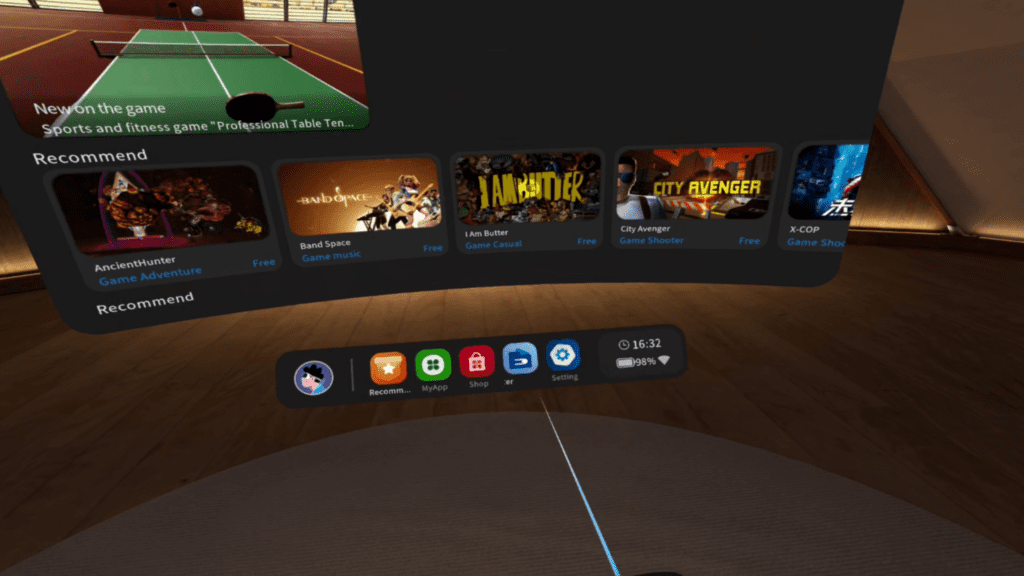
Figure 1: Resources Button
1.3. Navigating the Installation Path
On the next screen, move the controller cursor to “Path” and follow the path below:
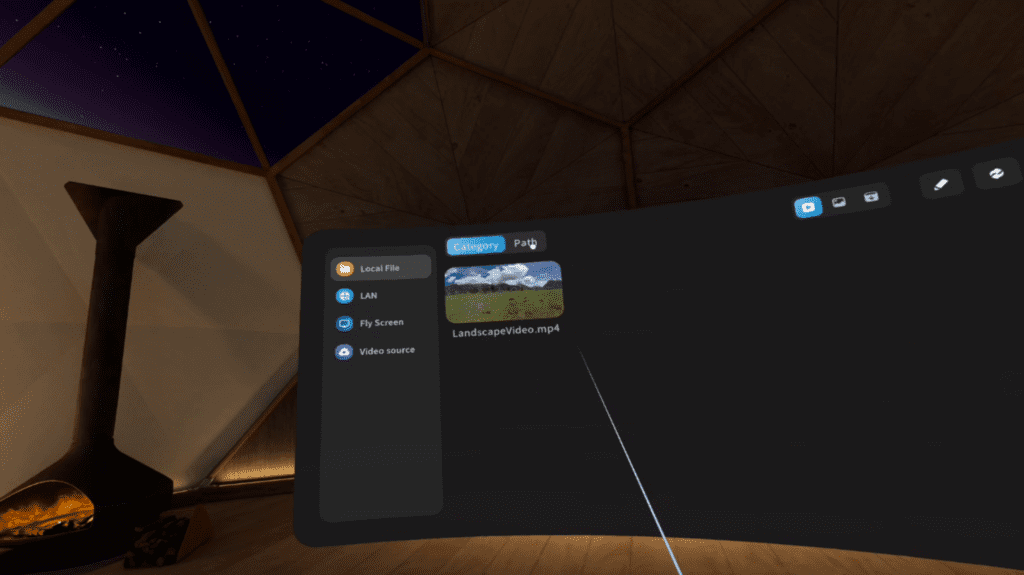
Figure 2: Path Section
Local → APKs → “NomeApp”.apk → Install
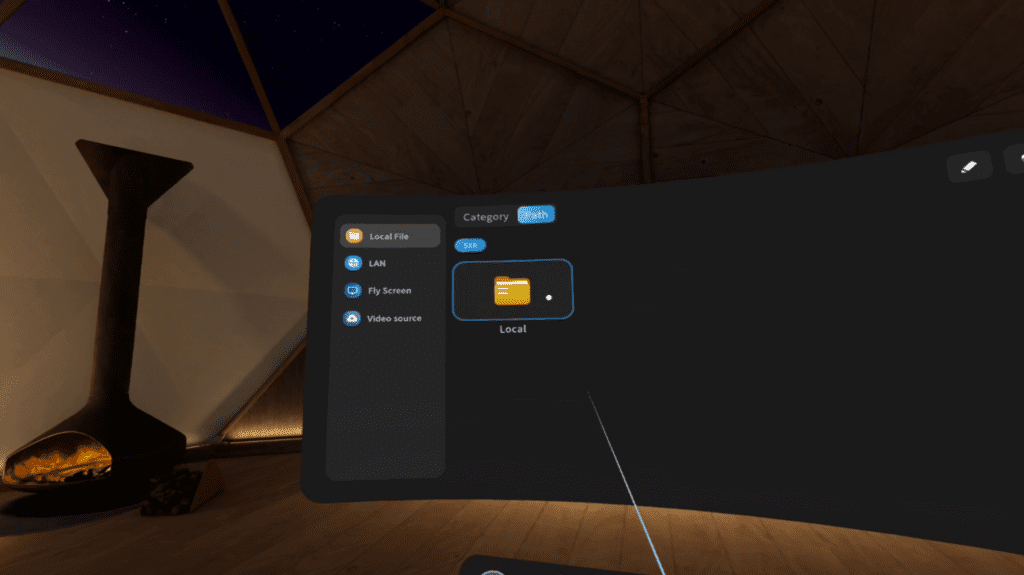
Figure 3: Local Section
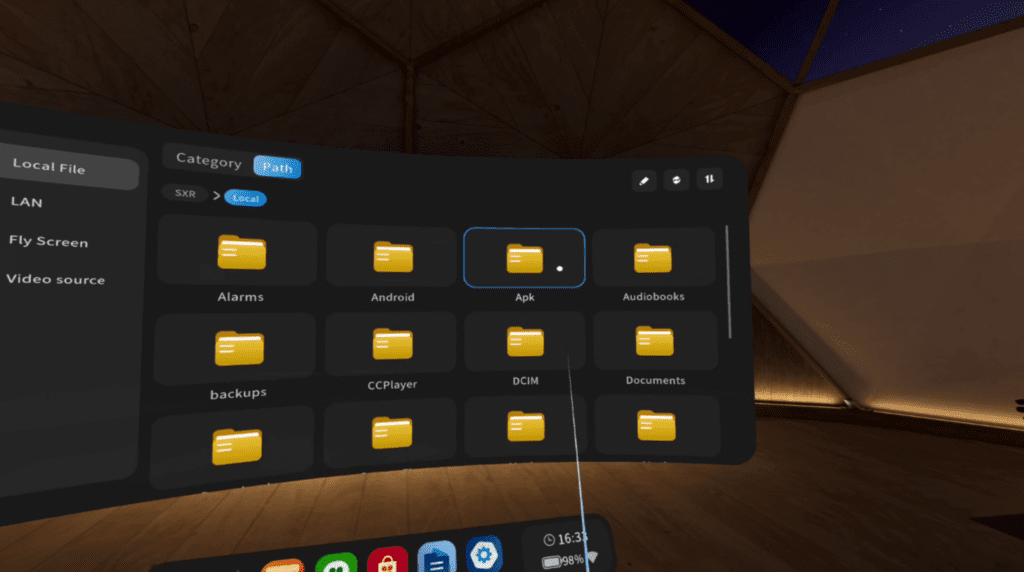
Figure 4: APKs Section
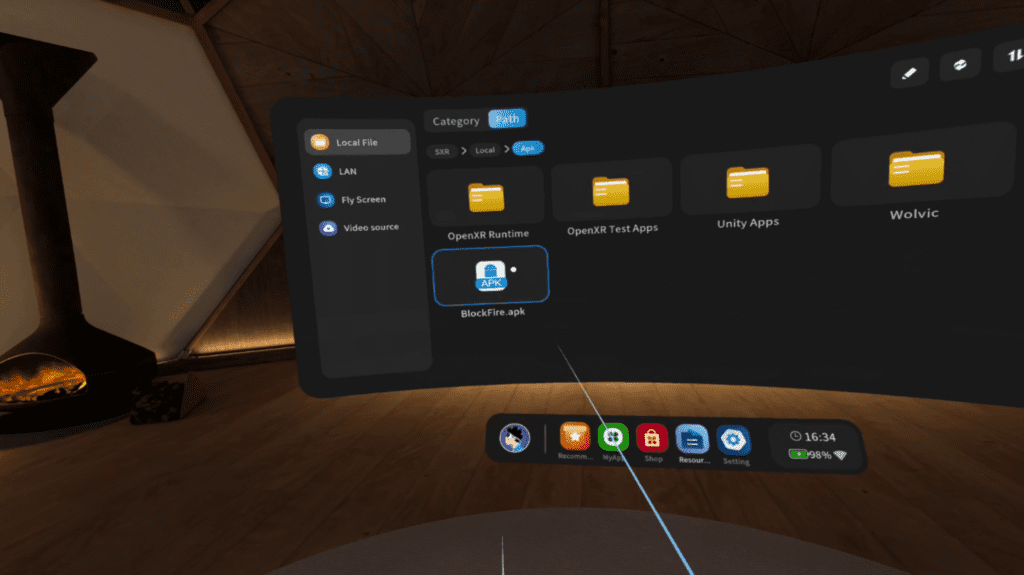
Figure 5: “NomeApp”.apk
1.4. Starting the Installation
Confirm the APK installation following the on-screen instructions.
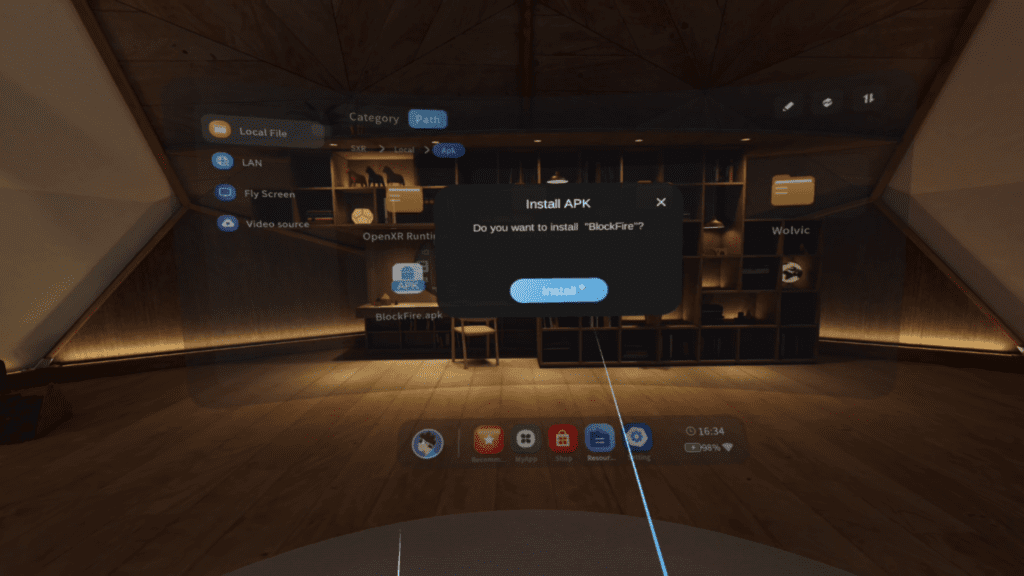
Figure 6: Installation Popup
1.5. Accessing the Application
Once the installation is complete, the application will be available in the “MyApp” section. For future use, simply launch the application directly from this section without repeating the installation process.
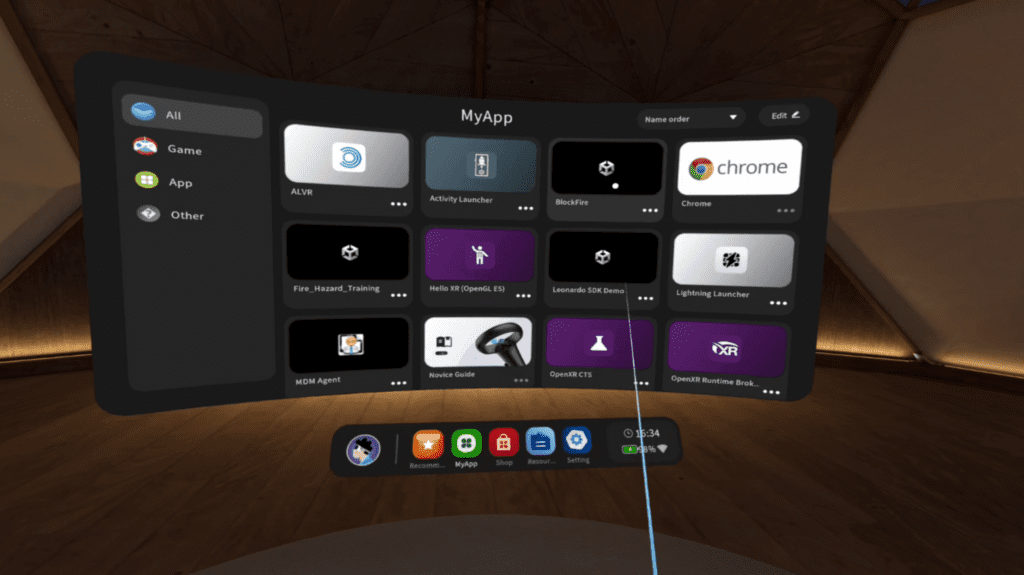
Figure 7: MyApp Screen
For more information on Leonardo XR, to provide feedback, or to collaborate with us, visit our website: https://www.youbiquo.eu After-sales service: info@youbiquo.eu